Prepress Overview
Prepress Proofreading Software
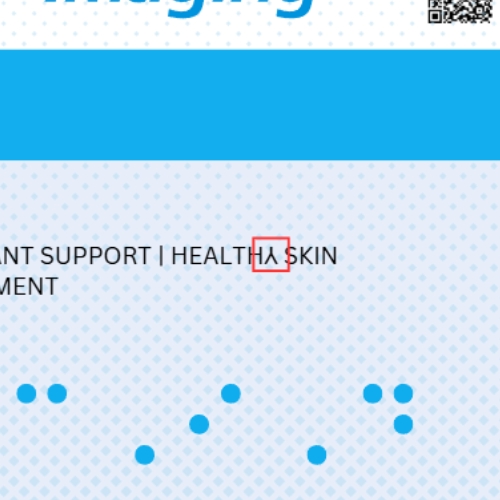
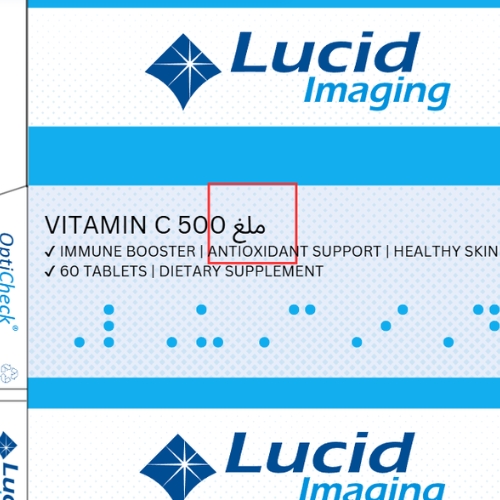
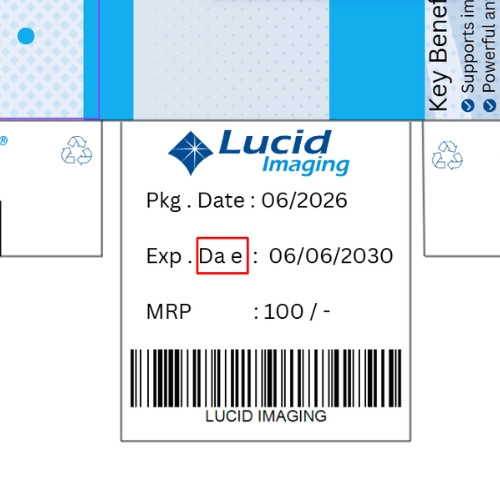
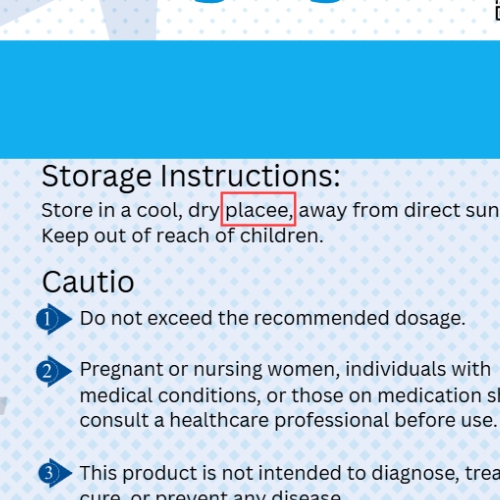
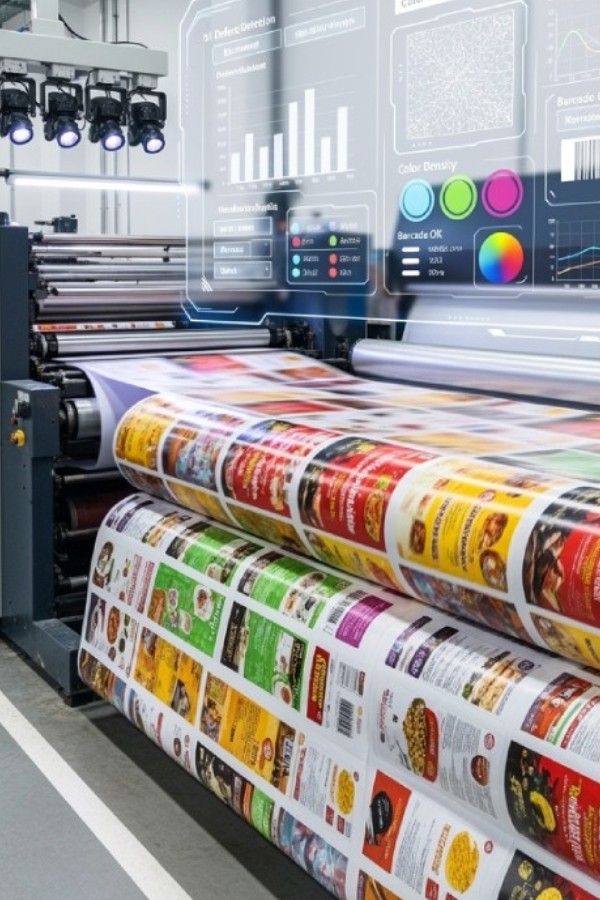
Errors introduced during the prepress stage can lead to costly production issues such as incorrect artwork, missing elements, layout changes, or text errors. In printing and packaging production, even small mistakes in digital files can result in large quantities of defective printed material.
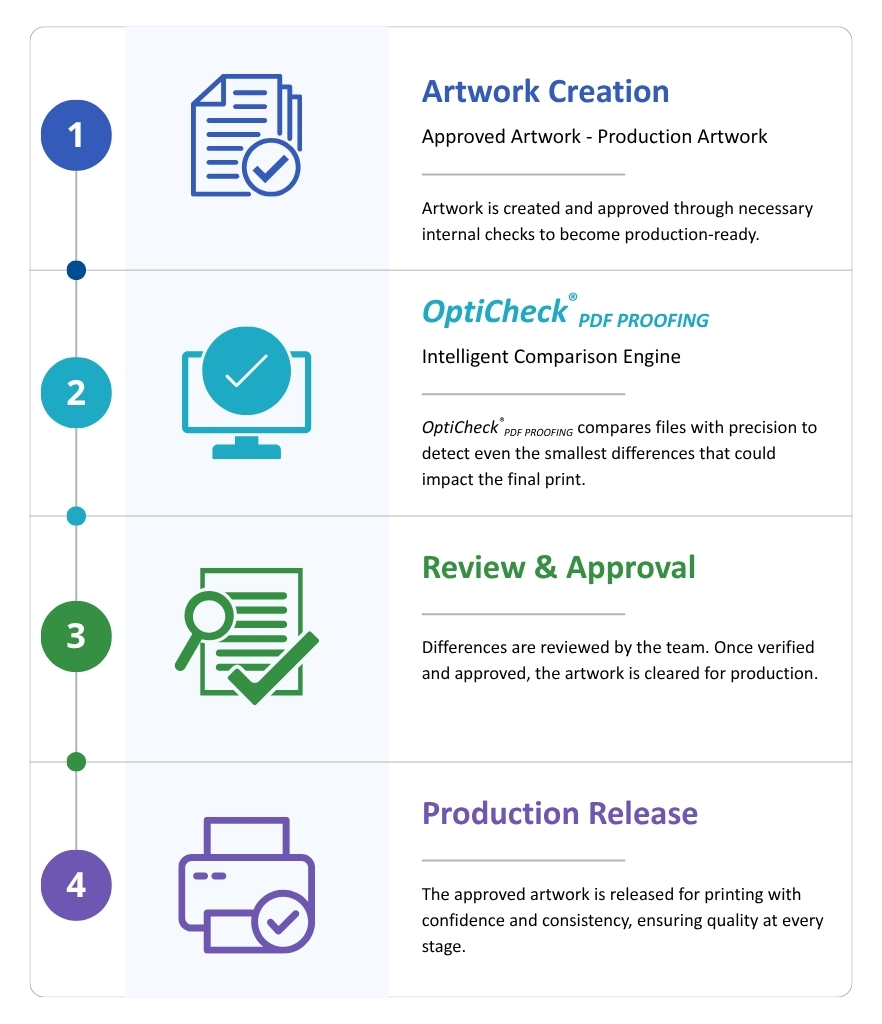
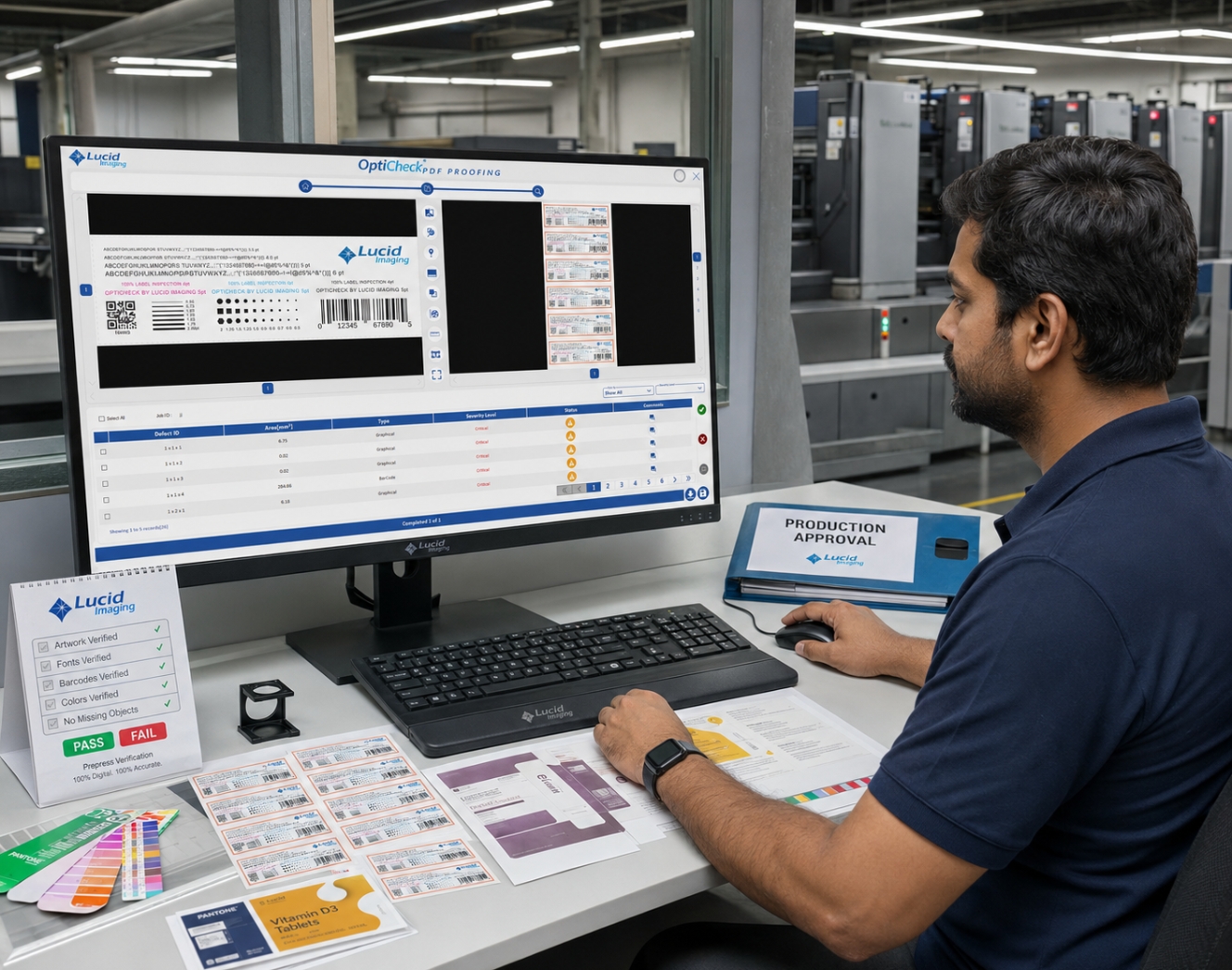
Lucid Imaging’s Prepress Proofreading Software provides automated verification of print-ready artwork before production begins. The software compares digital files and detects differences between versions, helping prepress teams identify errors early in the workflow. By automating artwork comparison and verification, the system ensures that print files are accurate and ready for production.
Prepress Stage
Ensuring Accuracy Before Printing Begins
Prepress proofreading is performed before the printing process begins, during the preparation and verification of digital artwork and print-ready files.
At this stage, production teams review and approve artwork files that will be used for printing. Automated proofreading helps detect errors that may occur due to:
01
Artwork Changes
Artwork modifications
02
Version Control
Version mismatches
03
Layout Changes
Layout Changes
04
Content Errors
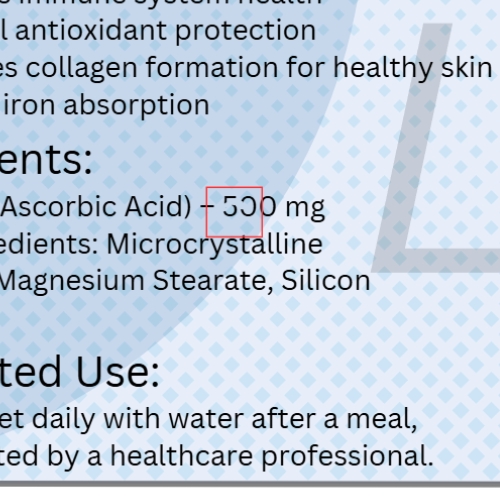
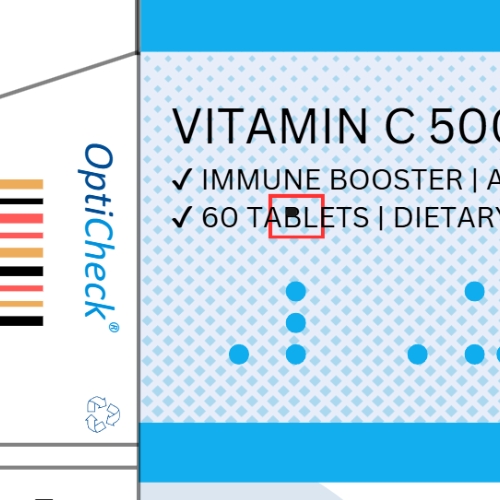
Missing elements or incorrect text
By identifying these issues early, the proofreading process helps ensure that only approved and accurate artwork files proceed to printing.
Inspection Scope
Comprehensive Verification of Prepress Artwork
The Prepress Proofreading Software verifies digital artwork and print-ready files to detect inconsistencies before production begins.
Typical inspection scope includes:
Artwork Comparison

Comparison between artwork versions

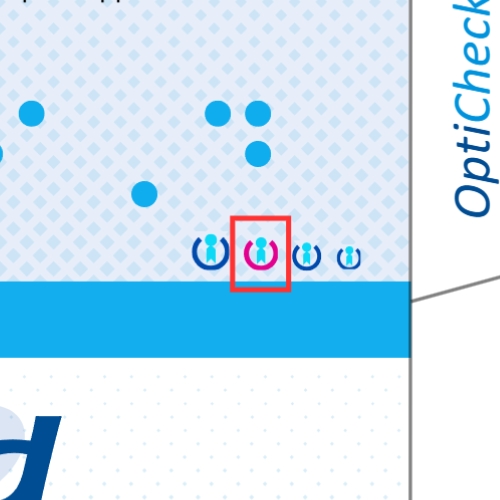
Detection of added or removed design elements

Verification of logo placement and graphic elements

Layout and alignment verification
Text & Content Verification

Detection of missing or altered text

Verification of text positioning

OCR-based text comparison where required

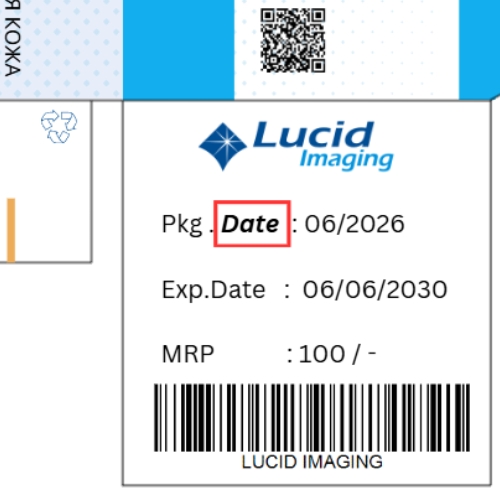
Verification of printed information fields
File Consistency Verification

Comparison of print-ready files

Detection of unintended file changes

Validation of production-ready artwork
This verification process ensures that digital files used for printing are accurate and consistent with approved artwork.
System Architecture
Smart System for Artwork Verification
The Prepress Proofreading Software operates within the digital prepress workflow and integrates with design and production systems used in printing environments.

Artwork Comparison Engine
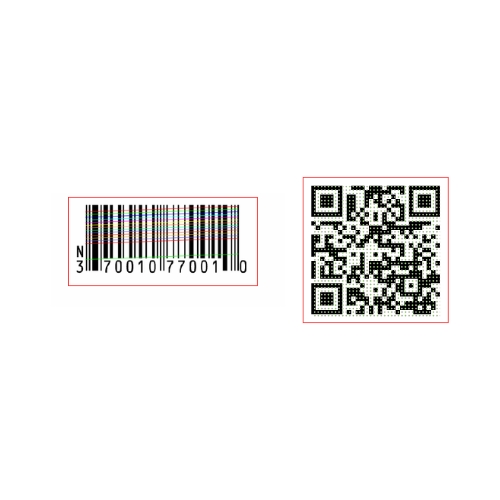
The core software engine performs pixel-level comparison between artwork files to detect visual differences between versions. The system automatically highlights detected changes for review.

File Processing Module
The software supports common file formats used in printing and packaging production, enabling verification of print-ready artwork files before they are sent to production.

Difference Detection Algorithms
Advanced algorithms analyze visual differences between artwork files and identify modifications such as added elements, missing graphics, or layout changes.

Review Interface
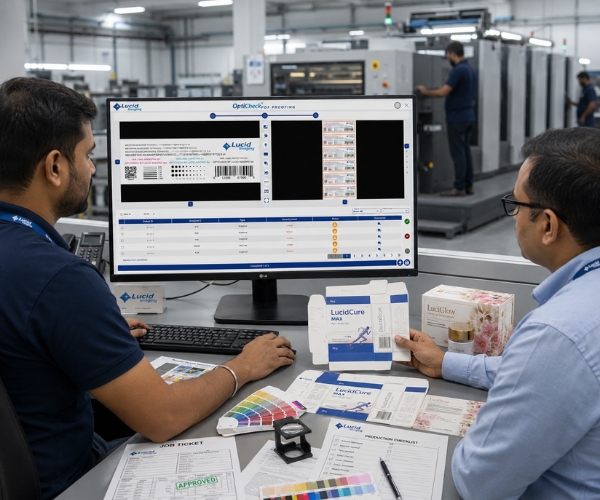
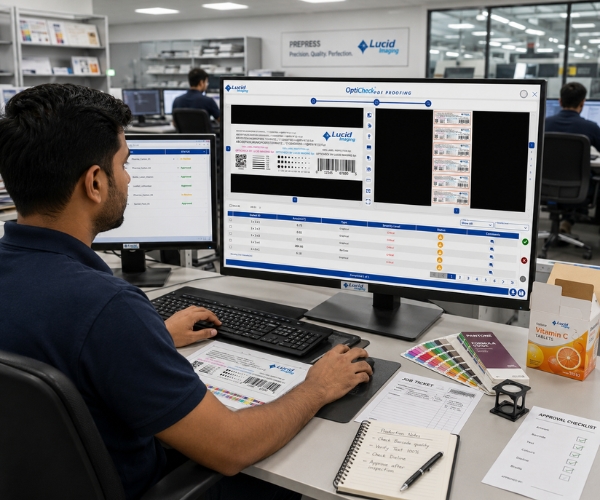
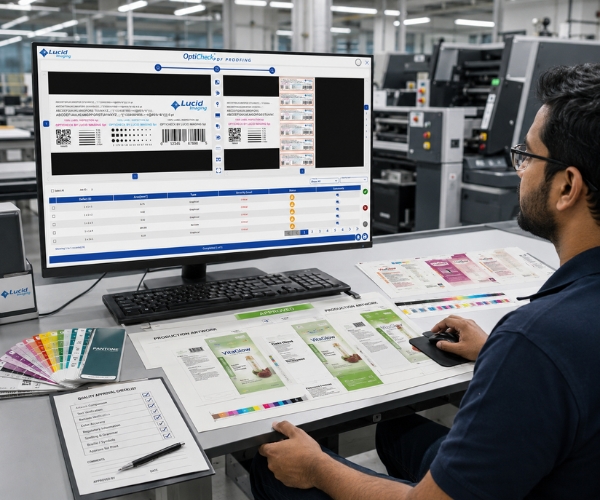
A graphical interface allows users to view compared files side-by-side, with detected differences clearly highlighted for quick review.

Workflow Integration
The software can be integrated into existing prepress workflows, allowing automated verification before artwork approval and printing.
Key System Capabilities
The Prepress Proofreading Software provides powerful capabilities for artwork verification:
- Automated comparison of artwork files
- Detection of visual differences between file versions
- Identification of missing or altered design elements
- Text and layout verification
- Pixel-level image comparison
- Difference highlighting for quick review
- Verification of print-ready files before production
These capabilities help prepress teams identify errors quickly and ensure that only correct artwork is approved for printing.
Integration with Prepress Workflows
The software integrates with digital artwork preparation and prepress workflows used in printing and packaging production.
Typical integration approaches include:
- Verification of artwork before production approval
- Comparison of revised artwork versions
- Validation of print-ready files before printing
- Integration with design and workflow management systems
This ensures that proofreading becomes a standard step in the print preparation process.
Operator Interface & Workflow
The user interface provides a clear and efficient environment for reviewing artwork differences.
Key features include:
- Side-by-side artwork comparison
- Highlighted visual differences
- Zoom and navigation tools for detailed inspection
- File version comparison tools
- Reporting and documentation of detected differences
Prepress operators can quickly review detected differences and confirm whether they represent intended changes or errors.
Benefits
Improving Accuracy in Prepress Workflow
Implementing automated prepress proofreading provides several advantages for printing and packaging companies:
01
Early detection of artwork errors
02
Prevention of costly printing mistakes
03
Improved accuracy of print-ready files
04
Reduced manual proofreading effort
05
Improved production workflow reliability
By verifying artwork before printing begins, the software ensures that only correct and approved designs proceed to production.
Get the Full Guide
Prepress Verification Solutions
Get detailed insights into how our proofing solutions verify artwork accuracy and ensure error-free print production.